
You can easily run any Windows game on Linux nowadays without too much work. Let’s look at an example - gacha games - you won’t find those on Steam. How would you go about installing it on Linux, on your Steam Deck, or other gaming hardware? You don’t even need Lutris, but that is certainly an option if you use it. We’re gonna look at using Steam’s own functionality alone.
HoYoPlay and Zenless Zone Zero
One of the most recent gacha releases is Zenless Zone Zero game from HoYoVerse. This is the same folks behind Genshin Impact and you can indeed install that or many other games this way. This process takes advantage of Steam and Proton to install windows applications. We will run the .exe installer through Steam to get it installed, then modify said install to be able to launch the installed product through Steam.
Installing HoYoPlay
HoYoPlay is their launcher through which you can install these games. Let’s get to it:
- If you’re on SteamDeck (or other Steam gamemode session) make sure to switch to Desktop first :)
- Download the launcher: https://hoyoplay.hoyoverse.com
- Add it to Steam as a non-steam game (Menu -> Games -> Add a non-steam game to my Library)
- Right click the added installer and go to its Properties -> Compatibility -> Force the use of proton.
- Play -> it should now run the installer, follow the steps to install it, all the defaults are fine. If the launcher automatically starts it at the end, close it.
We’ve now installed the launcher but we can’t exactly execute it directly just yet. Let’s sort that out:
- Right click the installer in steam again, this time we’re gonna change the Target field to
"/home/deck/.steam/steam/steamapps/compatdata/<ID>/pfx/drive_c/Program Files/HoYoPlay/launcher.exe"- You may have noticed the
<ID>there - this is a generated ID for your non steam game and it’s probably different from mine. To find out what it is, simply navigate to that location and take a look at which folder was modified last. That’s the correct one. - If you’re not on Steam Deck the
/home/deckis gonna be different - that’s your home folder and it will be your username. - And don’t forget the quotes!
- You may have noticed the
- You’re actually done now. It will work with gamescope, mangohud, or any other shenanigans that you’re used to. Probably. Use the Launch options same as with any other Steam game.
- Optionally add launch param
--game=nap_globalwhich may or may not actually start the game. (At the time of writing this arg didn’t actually work to directly update and start the game but that seems to be a bug.)
- Optionally add launch param
- Use the SteamGridDB Decky Plugin to change the artwork on Steam, or SDGBoop (flatpak) in combination with steamgriddb.com
- Cleanup - you can now delete the installer.
Enjoy!
Find me in the Fedora Linux Discord if you have any issues or questions.
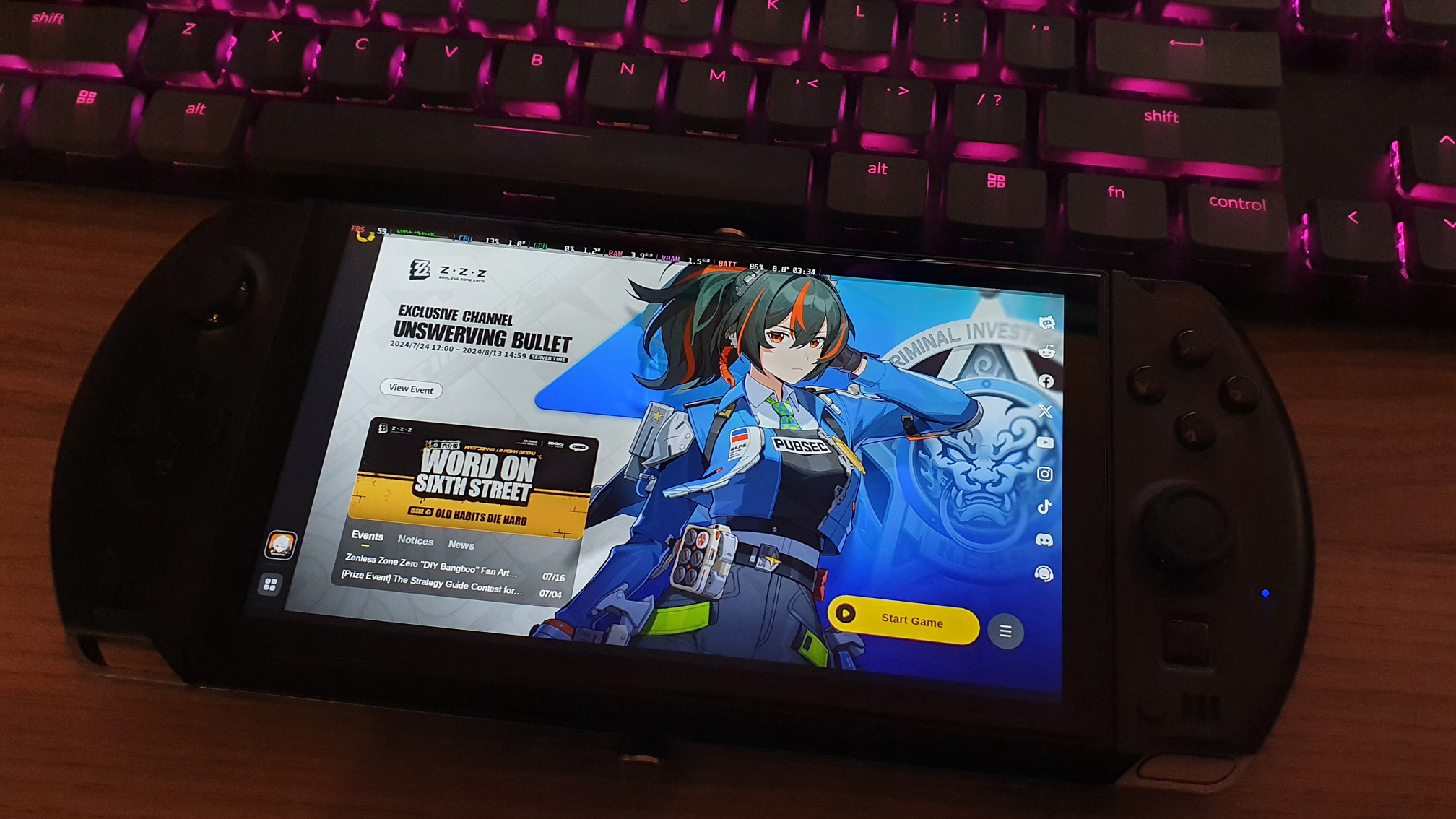
HoYoPlay running on GPD Win4 (Linux)
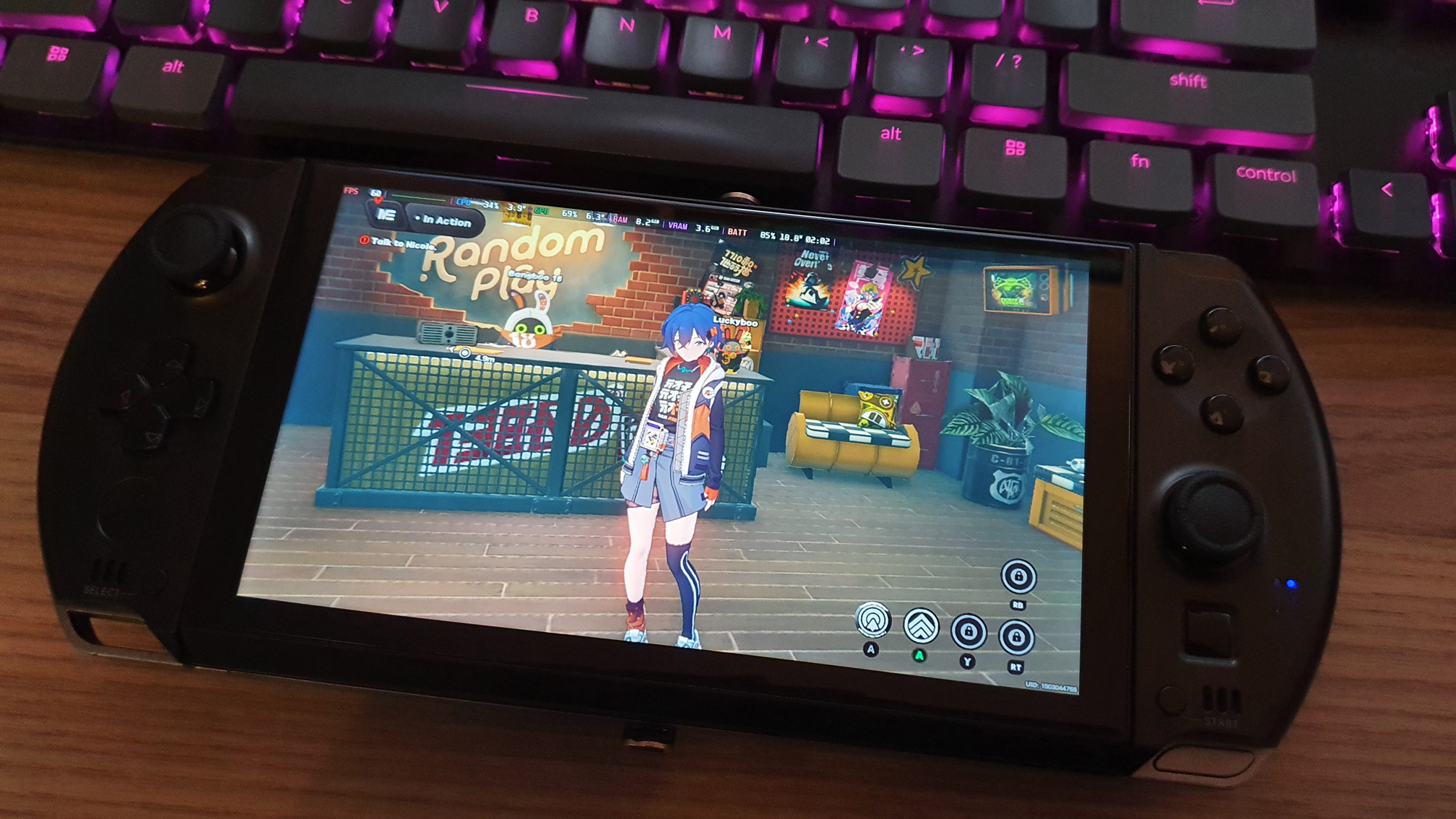
ZZZ running on GPD Win4 (Linux)